





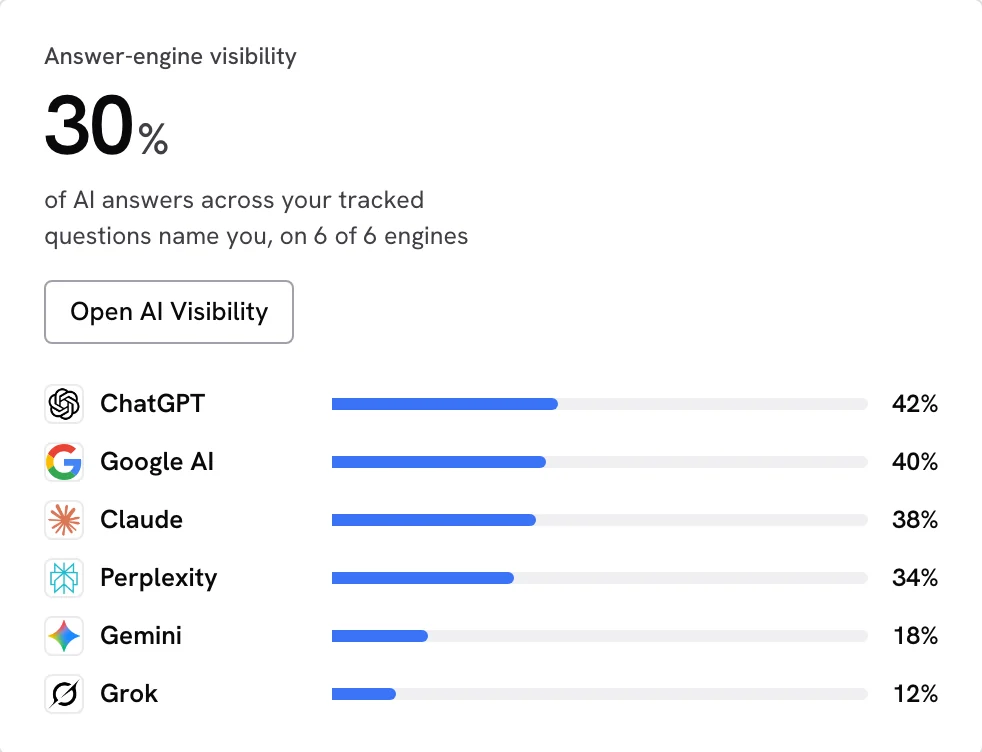
The best AI visibility monitoring and SEO automation tools answer two questions: which buyer questions name your business, and which page should you improve next?
SearchLift is a strong all-in-one choice for teams that want AI answer monitoring, Google Search Console analysis, a page audit and approved, reversible fixes in one workflow. OtterlyAI, Profound, Surfer and Semrush each offer useful ways to inspect AI visibility, from different starting points.
Compare them with a real buying question. “Which payroll service supports a ten-person company in Austin?” tells you more than a branded prompt. Save the full answer, its sources and the page you would want a buyer to visit, then test whether each tool helps you act on that record.
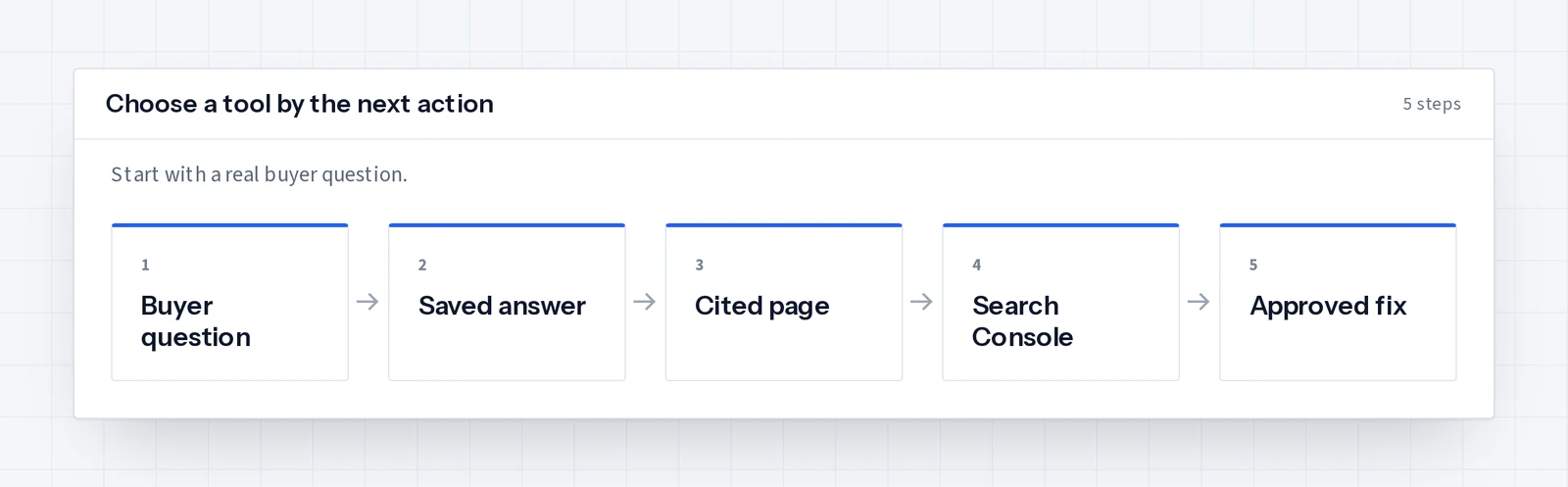
Which AI visibility monitoring tools are worth comparing?
Start with each tool’s published documentation: OtterlyAI’s prompt monitoring documentation, Profound’s Answer Engine Insights documentation, Surfer’s AI Tracker documentation and Semrush’s AI Visibility Toolkit guide.
| Tool | Published monitoring focus | Practical starting point |
|---|---|---|
| SearchLift | Tracked buyer questions, saved answers, cited sources and competitor names | Follow the answer into Search Console, a page audit and an approved fix |
| OtterlyAI | Prompt-level brand coverage, mentions, citations and competitors, checked daily | Review which tracked prompts name your brand |
| Profound | Visibility, share of voice and citation share, filtered by platform, topic, region and persona | Explore answer patterns across a broad prompt set |
| Surfer | Brand and content mentions in ChatGPT, Gemini, Perplexity and other models, and the sources they use | Connect tracked prompts with content work |
| Semrush | An AI Visibility Score from 0 to 100, mentions, cited pages and mentions by country | Add AI visibility to an established search toolset |
| If your team | Start with |
|---|---|
| Already writes in Surfer | Its AI Tracker beside the editor |
| Compares answer patterns across many segments | Profound |
| Wants a clear route from the answer to a live page fix | SearchLift’s AI visibility screen, then its audit |
The useful metric is the answer behind the visibility score
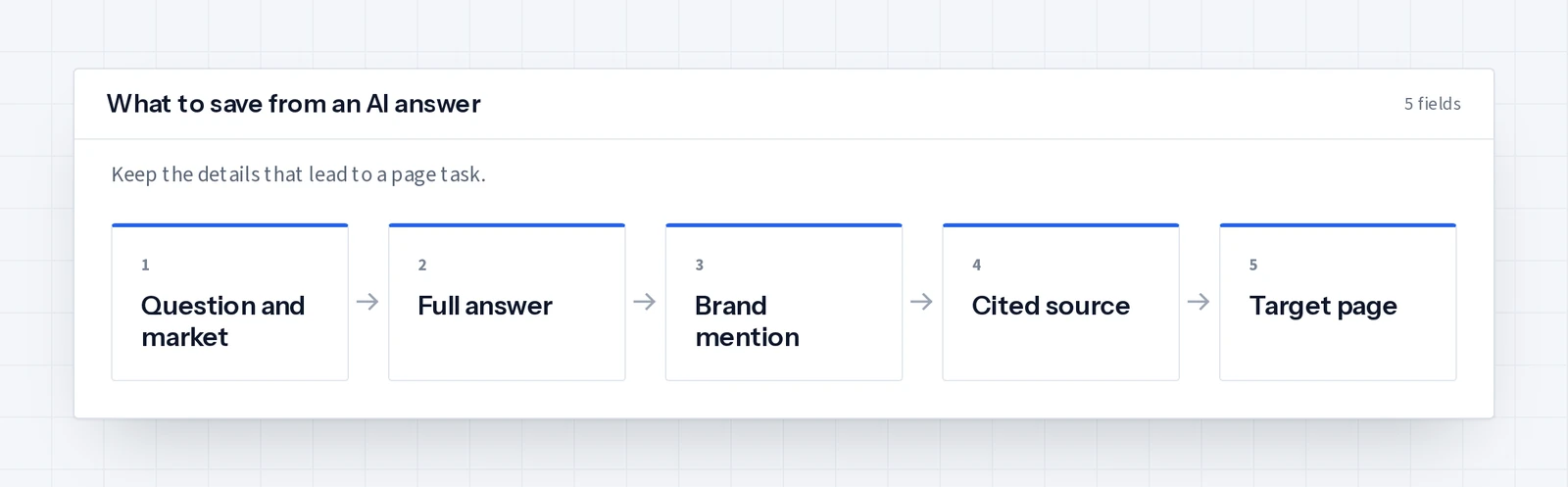
A dashboard number is a starting point. Open the answer and read the sentence that names you. Was it the right service and market? Did it cite your page, an independent source or a competitor? Save the prompt wording so the next check is comparable.
- Buyer prompt: Write one unbranded question with a product, location or compatibility constraint.
- Answer: Keep the full response and the date alongside your brand mention.
- Citation: Open the exact source URL and find the claim that answered the buyer.
- Next page: Choose the page that should answer the question on your own site.
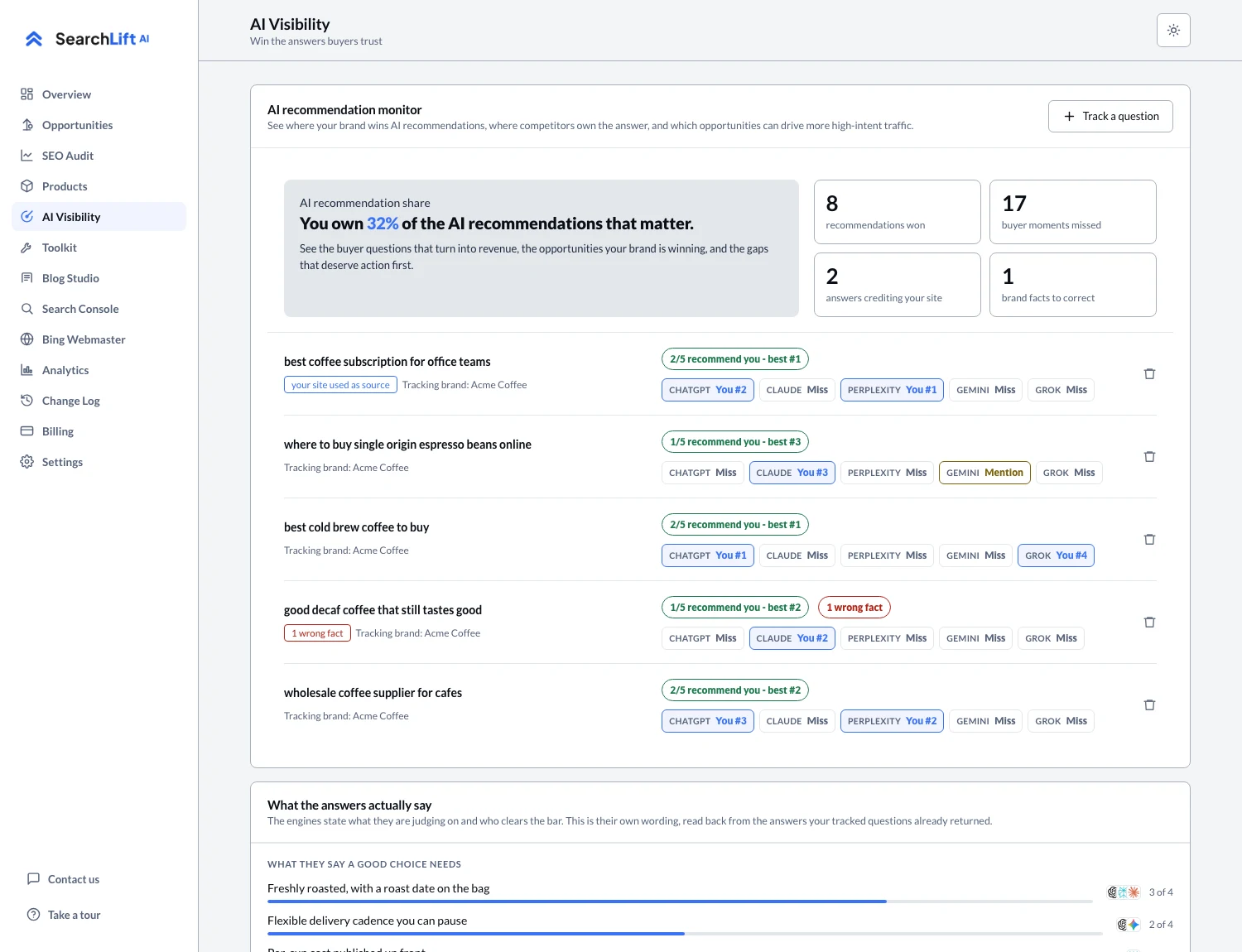
SearchLift stores the answer, position, citations and competing names for each tracked question. The ChatGPT visibility tracker guide shows how to read that record and decide whether to improve a product page, write a missing answer or correct outdated details found elsewhere.
SEO automation should move a real page forward
Monitoring becomes useful when it leads to site work. A page may need:
- A stronger title
- A clearer service description
- Valid structured data
- Crawler rules that let assistants in
- An internal link from a related page
SearchLift’s SEO audit and fixer lists those issues by page, prepares the replacement and lets you approve a connected-platform change. Each applied change keeps its previous value so it can be undone, and a team with a developer can export the page-by-page work order.
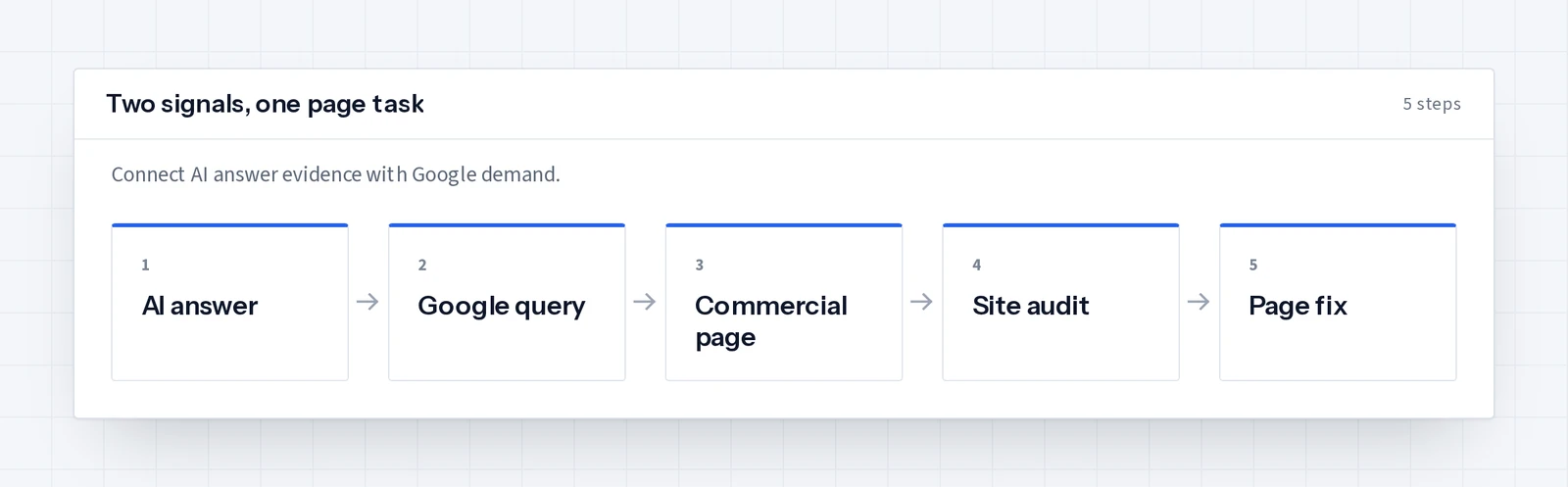
This is where SearchLift earns its place on a shortlist: the buyer’s question, the assistant’s answer, the page Google sees and the proposed fix sit in one sequence, so a visibility report does not become a second research project.
Use Search Console data to choose the right page
A buyer may type a shorter phrase into Google than the question they ask ChatGPT. SearchLift’s Search Console suite connects Google queries, pages with weak click-through and index coverage with the AI questions you track. For a commercial page, look for a near-miss query that already earns impressions, and match the page to the buyer’s language before writing another general article.
| Google Search Console | An AI monitor |
|---|---|
| Google search performance: queries, impressions, clicks, position | Saved assistant answers, mentions and cited sources |
| Shows where demand already exists | Shows whether the explanation is strong enough to be quoted |
The AI SEO audit guide explains how to prioritize the resulting fixes.
A simple buying test for an AI SEO platform
- 01Put the same three buyer questions into every shortlisted tool.
- 02Ask for a complete answer with source URLs.
- 03Find the page most relevant to the buyer and record what the tool recommends doing next.
- 04If you have Search Console access, check whether that page already appears for related queries.
- 05Keep the tool that leaves you with a page task your team can finish this week.
SearchLift fits best when the goal is to monitor, decide and improve without moving between dashboards. Start with its current plans. For the market data behind this decision, read AI search statistics for business, which separates AI answer reach, referral visits and what the landing page does next.
Common questions
- 01What are the best AI visibility monitoring and SEO automation tools?
- SearchLift, OtterlyAI, Profound, Surfer and Semrush are useful options to compare. SearchLift brings AI answer tracking, Search Console analysis, page audits and approved fixes together for teams that want one practical workflow.
- 02What should an AI visibility tool show?
- Look for the buyer question, full assistant answer, whether your brand appeared and the exact cited URLs. Those records let you choose a page to improve.
- 03Does SearchLift automatically change my website?
- Connected-platform fixes wait for your approval by default. SearchLift saves the prior value and lets you undo an applied fix. Autopilot is an optional setting.
- 04Can Search Console measure ChatGPT mentions?
- Search Console measures Google Search performance. SearchLift combines that data with separately tracked assistant answers so you can choose pages using both signals.
- 05Which tool is best for a small marketing team?
- If the team wants to track buyer questions, inspect citations and act on page issues in one place, SearchLift is a strong fit. Test the workflow with a real buyer question and an important page.